€1 every 30 days or €9.99 every 365 days. Same available creator tools.
Concept illustration · Your content and product details are yours to create.
CREATE WITH INTENTIONSHARE SOMETHING USEFULNO PAID DISCOVERY PRIORITY
A WORKFLOW YOU CAN FOLLOW
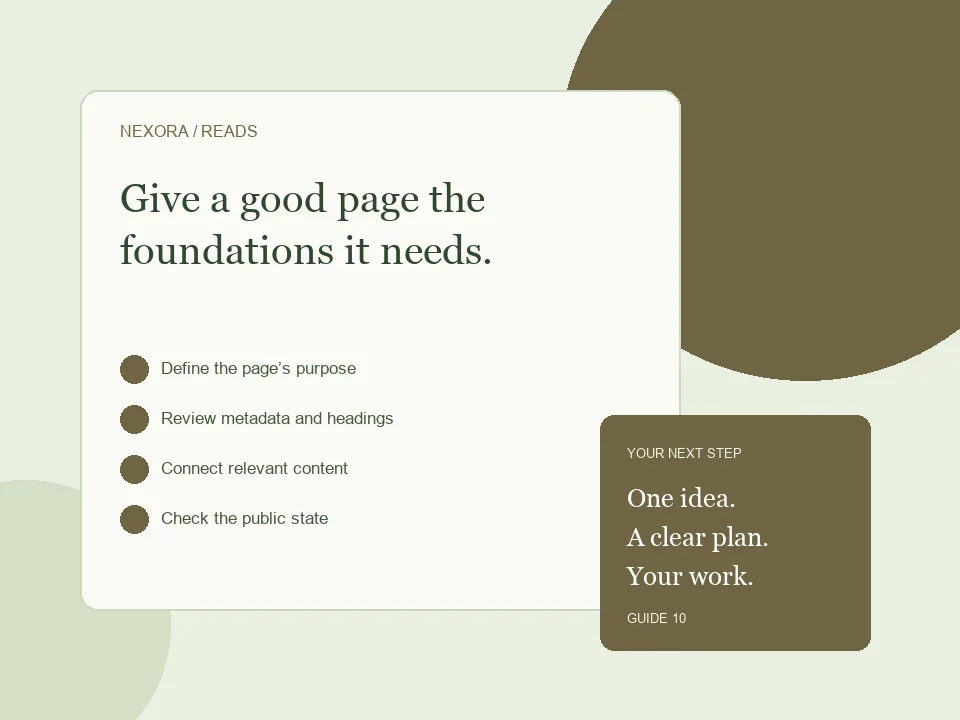
From the first decision to the public link.
01
Define the page’s purpose
Write a title and introduction that answer one clear reader need.
02
Review metadata and headings
Verify the canonical URL, description, main heading and useful image descriptions.
03
Connect relevant content
Add internal links where they help a reader continue, not merely to repeat keywords.
04
Check the public state
Publish changes and use available SEO and Search Console reports to review the result.
Start with the searcher’s actual need
Pick the question your page answers and make the title describe that answer. A workbook page might explain what the workbook helps someone practise, while a story page should help someone choose a reading experience. Write a summary that accurately reflects the content. Use relevant phrases in normal sentences rather than repeating keywords everywhere. There is no required keyword density, and a meta keywords tag does not determine Google rankings. The content must be useful after someone arrives.
Review the published version
Check that the page is accessible at its intended URL, has a sensible main heading and uses a canonical URL for that address. Add descriptive image text where images communicate information. Social metadata helps shared links display a title, description and image; it does not guarantee a search position. Landing Page Studio generates metadata for the published version, while blog and story SEO controls support their specific metadata settings. Save and publish the relevant changes before checking the public page again.
Make discovery possible, then allow time
Link related useful pages with descriptive text so readers can follow the next topic. Published posts, episodes and approved landing pages enter the site’s dynamic sitemap. Sitemap inclusion helps discovery but is not an indexing guarantee. Use Search Console to inspect a URL and see Google’s reported state. If a page needs improvement, fix the underlying content or technical issue instead of repeatedly submitting the same request. A public page you want indexed should not carry a noindex directive.
BEFORE YOU SHARE
A small check can save a bigger fix.
Use these checks to review your work. They are a starting point, not a promise of sales or search rankings.
✓One clear main heading
✓Accurate title and description
✓Canonical matches the public URL
✓Relevant internal links work
✓No unintended noindex on public content
GOOD QUESTIONS
Before you begin.
Does SEO guarantee views?
No. Technical eligibility, useful content and promotion all matter, and Google decides which pages to index and rank.
Should I add noindex for better SEO?
Only when you want a page excluded from search. Do not add it to public content you want people to find.
Do I need to buy backlinks?
Build relationships around useful work and ask for relevant editorial links where appropriate. Avoid paid ranking links or bulk link schemes.
Create or upload your work, prepare an honest offer and share your public link. Creator landing pages require admin approval before publication.
Start creating ↗Compare monthly and annual billingPlans renew until cancelled. Monthly has a one-day introductory trial, subject to eligibility. Annual has no trial. Payment processing fees and any checkout taxes are separate.