€1 every 30 days or €9.99 every 365 days. Same available creator tools.
Concept illustration · Your content and product details are yours to create.
CREATE WITH INTENTIONSHARE SOMETHING USEFULNO PAID DISCOVERY PRIORITY
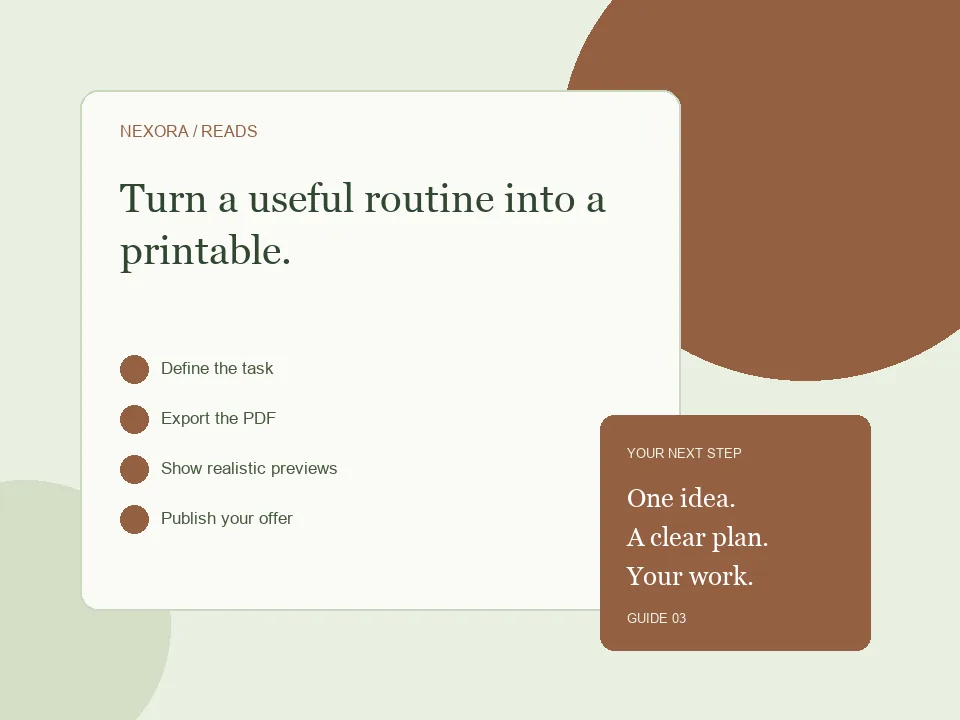
A WORKFLOW YOU CAN FOLLOW
From the first decision to the public link.
01
Define the task
Pick one routine and write a short description of how the printable helps.
02
Export the PDF
Set the actual paper size and verify margins, contrast and page count.
03
Show realistic previews
Include an unfilled view and a fictional example that explains the workflow.
04
Publish your offer
Upload through Ebook Studio, configure the sale and share a focused landing page.
Choose a task, not just a design
A weekly study planner should help a student decide what to work on and when. A household budget sheet should make recurring expenses easy to record. Start with that job before choosing decoration. Write down the audience, the problem and the moment when they will use your printable. A focused ten-page pack with clear instructions may be more useful than a large collection of near-identical sheets. Show an example filled in with fictional information so the buyer understands the workflow.
Test the printable outside your design tool
Design and export your planner using a tool that supports the paper size you need, then upload the finished PDF to NexoraReads. Print a sample if you can. Check margins, small labels, writing space and contrast in black and white. Tell buyers whether the file is intended for A4, Letter or another size. A PDF is not automatically an editable spreadsheet, fillable form or Notion template; only advertise those features if your actual file contains them.
Explain the purchase clearly
Use your product description to list the sheets, their purpose and the format delivered. Add preview images that reveal the layout while keeping the main product intact. For a study pack, you might include a weekly plan, exam revision checklist and assignment tracker. State how many unique pages are included and what printing choices work best. A landing page can introduce the pack and provide a clear checkout button; avoid using vague claims about guaranteed productivity.
BEFORE YOU SHARE
A small check can save a bigger fix.
Use these checks to review your work. They are a starting point, not a promise of sales or search rankings.
✓Paper size and page count stated
✓Readable monochrome printing
✓Useful writing space
✓Preview matches the delivered file
✓Personal/commercial-use terms clear
GOOD QUESTIONS
Before you begin.
Can I upload an A4 or Letter planner?
You can upload a finished PDF. The built-in ebook creation workflow uses A5; prepare other page sizes in your design tool before uploading.
Are printables shipped physically?
This workflow sells a digital PDF download. Make clear that no physical planner is included.
Do I need many products to start?
Start with one tested printable that solves a clear problem. You can expand after receiving useful feedback.
Create or upload your work, prepare an honest offer and share your public link. Creator landing pages require admin approval before publication.
Start creating ↗Compare monthly and annual billingPlans renew until cancelled. Monthly has a one-day introductory trial, subject to eligibility. Annual has no trial. Payment processing fees and any checkout taxes are separate.