€1 every 30 days or €9.99 every 365 days. Same available creator tools.
Concept illustration · Your content and product details are yours to create.
CREATE WITH INTENTIONSHARE SOMETHING USEFULNO PAID DISCOVERY PRIORITY
A WORKFLOW YOU CAN FOLLOW
From the first decision to the public link.
01
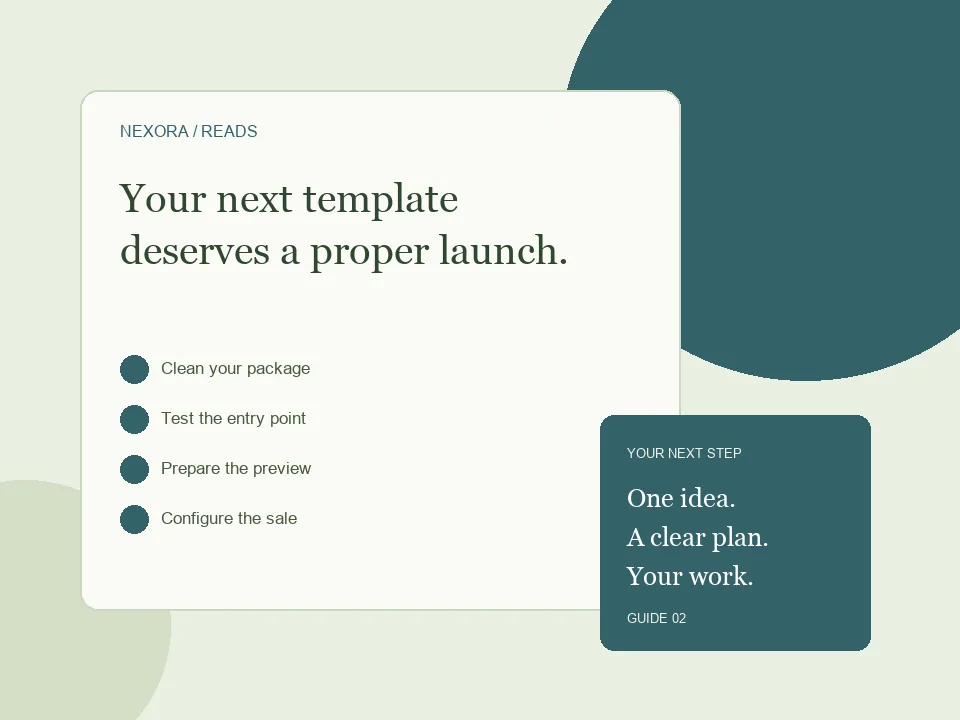
Clean your package
Remove secrets and include only distributable source files, assets and documentation.
02
Test the entry point
Extract the ZIP and follow your own setup instructions in a clean folder.
03
Prepare the preview
Use a compatible live demo or representative screenshots with a product cover.
04
Configure the sale
Specify what is included, the license, dependencies and delivery method.
What a buyer actually needs
A template is more than a folder of attractive files. Buyers need to know what it is built with, where to start and which parts they may change. Package an HTML portfolio with its stylesheet, scripts, licensed images and a short readme explaining how to open it. If it needs a build command or server runtime, describe that requirement before purchase. Avoid promising installation, hosting or unlimited support unless you actually provide those services.
A practical ZIP structure
A simple static template can have index.html at the entry point, an assets folder and README.txt with setup instructions. Keep referenced files inside the package and use relative paths that work after extraction. Remove personal data, credentials, development caches and material you cannot redistribute. Include a license that explains personal and commercial use, modifications and whether redistribution is permitted. Try the ZIP from a fresh folder before uploading the final product.
Let buyers understand the design
Template Studio can prepare a compatible live demo or let you upload screenshots and a cover. A static HTML template is a stronger candidate for a browser demo than a project that needs PHP, a database or a Node server. Screenshots are useful when a package cannot run as a static preview. Show desktop and mobile layouts, explain the included pages and link to your sales page. A clear preview reduces uncertainty without promising that every ZIP can execute in the browser.
BEFORE YOU SHARE
A small check can save a bigger fix.
Use these checks to review your work. They are a starting point, not a promise of sales or search rankings.
✓Working relative asset paths
✓Clear README and license
✓Accurate mobile screenshots
✓No credentials or unlicensed assets
✓Dependencies disclosed before checkout
GOOD QUESTIONS
Before you begin.
Will every ZIP produce a live demo?
No. A template requiring a backend or a build process may need screenshots instead. Follow the preview checker’s explanation.
Which checkout options are available?
Creators can use NexoraReads checkout through Whop or an external checkout link. External payment confirmation and delivery remain the creator’s responsibility.
Can I update my listing later?
Use your own Template Studio and sale settings to update the supported product details. Check the public listing after changes.
Create or upload your work, prepare an honest offer and share your public link. Creator landing pages require admin approval before publication.
Start creating ↗Compare monthly and annual billingPlans renew until cancelled. Monthly has a one-day introductory trial, subject to eligibility. Annual has no trial. Payment processing fees and any checkout taxes are separate.