€1 every 30 days or €9.99 every 365 days. Same available creator tools.
Concept illustration · Your content and product details are yours to create.
CREATE WITH INTENTIONSHARE SOMETHING USEFULNO PAID DISCOVERY PRIORITY
A WORKFLOW YOU CAN FOLLOW
From the first decision to the public link.
01
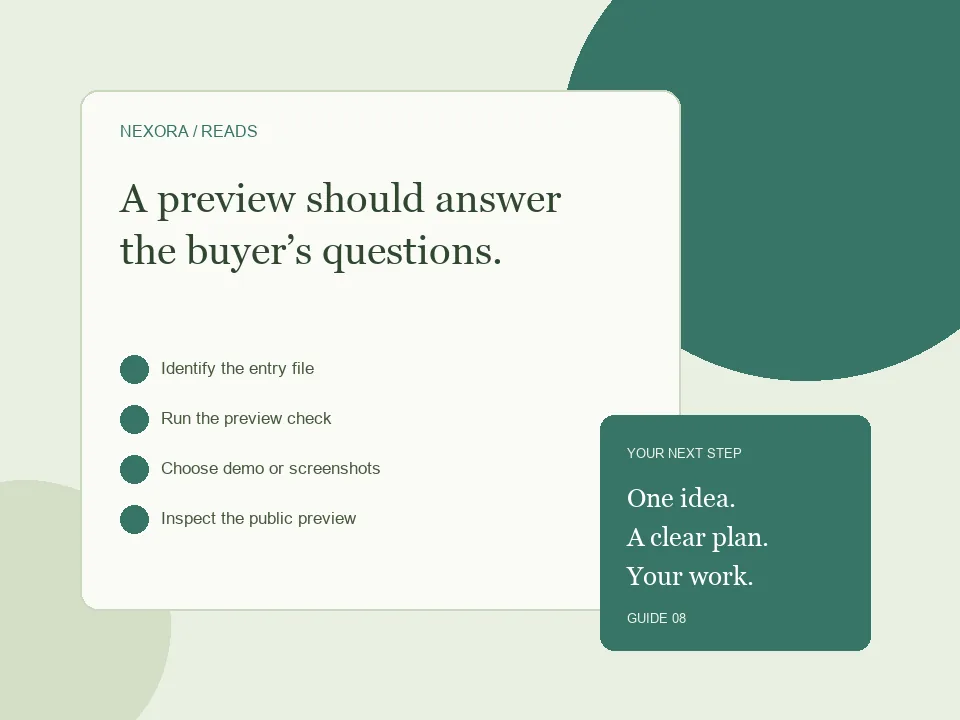
Identify the entry file
Check how the template opens after extraction and which runtime it needs.
02
Run the preview check
Review the package in Template Studio and read any reported issue.
03
Choose demo or screenshots
Use the approach that accurately represents the delivered product.
04
Inspect the public preview
Check mobile details, asset loading and the link to the matching offer.
What a browser preview can do
A simple HTML template with local CSS, JavaScript and image files can often be previewed as a static site. A PHP application, database-driven dashboard or project that requires a build step has different requirements. A browser demo does not automatically supply that server environment. Before upload, identify the entry file and make sure local asset paths resolve from it. Keep important preview content in the package rather than relying on a private server that a buyer cannot access.
Understand the checker’s result
Use Edit Template to review the package and the available demo result. If the checker reports missing entry files, unsupported dependencies or invalid references, correct the ZIP and try again. Do not rename a backend project to index.html and expect the runtime to appear. If your product cannot be represented by a compatible static demo, choose the screenshots route. Disclose runtime, installation steps and what the preview does not demonstrate. The actual download should include clear documentation.
Make screenshots useful
Show the most important views at readable sizes: a full page, a close view of a key component and a mobile layout if it is supported. Use your actual template, not an unrelated mockup. Label anything that is sample data and avoid presenting buttons as functional if they only illustrate a layout. A cover helps the shop card, while additional screenshots help the product explanation. The product must have a suitable preview or visual representation before it is offered for sale.
BEFORE YOU SHARE
A small check can save a bigger fix.
Use these checks to review your work. They are a starting point, not a promise of sales or search rankings.
✓Entry file present
✓Local asset references work
✓Backend requirements disclosed
✓Screenshots depict the real product
✓Demo and download versions agree
GOOD QUESTIONS
Before you begin.
Can a demo replace documentation?
No. Buyers still need setup instructions and license information in the package.
What if the preview cannot run my ZIP?
Read the reported issue. Correct a supported package or use representative screenshots for products that need an unsupported runtime.
Do screenshots need to show every page?
Show the views needed to understand the offer, then list all included pages or components in the description.
Create or upload your work, prepare an honest offer and share your public link. Creator landing pages require admin approval before publication.
Start creating ↗Compare monthly and annual billingPlans renew until cancelled. Monthly has a one-day introductory trial, subject to eligibility. Annual has no trial. Payment processing fees and any checkout taxes are separate.